


### Blog Post:
Voice controlled home health device technology is reshaping senior care in 2026, making independent living safer and easier than ever before. If you’re a caregiver, family member, or an older adult yourself, this guide covers everything you need to know to choose, set up, and get the most out of hands-free smart health tools—without glossing over real-world frustrations, costs, or privacy issues.
Key Takeaways
- Senior adoption of voice controlled home health devices is growing fast, with most users rating them highly for ease of use.
- Common barriers include initial setup hurdles, privacy concerns, ongoing costs, and confusion over advanced features.
- Choosing the right device, ensuring simple setup, and addressing training/awareness needs are crucial for long-term success and safety.
The Core Concept: What Is a Voice Controlled Home Health Device—And Why Now?
Voice controlled home health devices use natural speech to help seniors manage health, stay connected, and live independently. Devices like Amazon Echo, Google Nest, and purpose-built tools such as ElliQ let users ask for medication reminders, check health stats, set appointments, and even contact help, all hands free. This means elderly users with vision, mobility, or dexterity difficulties can control their environment without relying on screens or buttons.
Adoption is skyrocketing. Studies show 72% of older adults are willing to use smart speakers, 65.2% choose to keep them after pilot programs, and 38% use them daily.[1] The market for voice activated healthcare assistants is projected to reach $5.3 billion by 2026.[2]
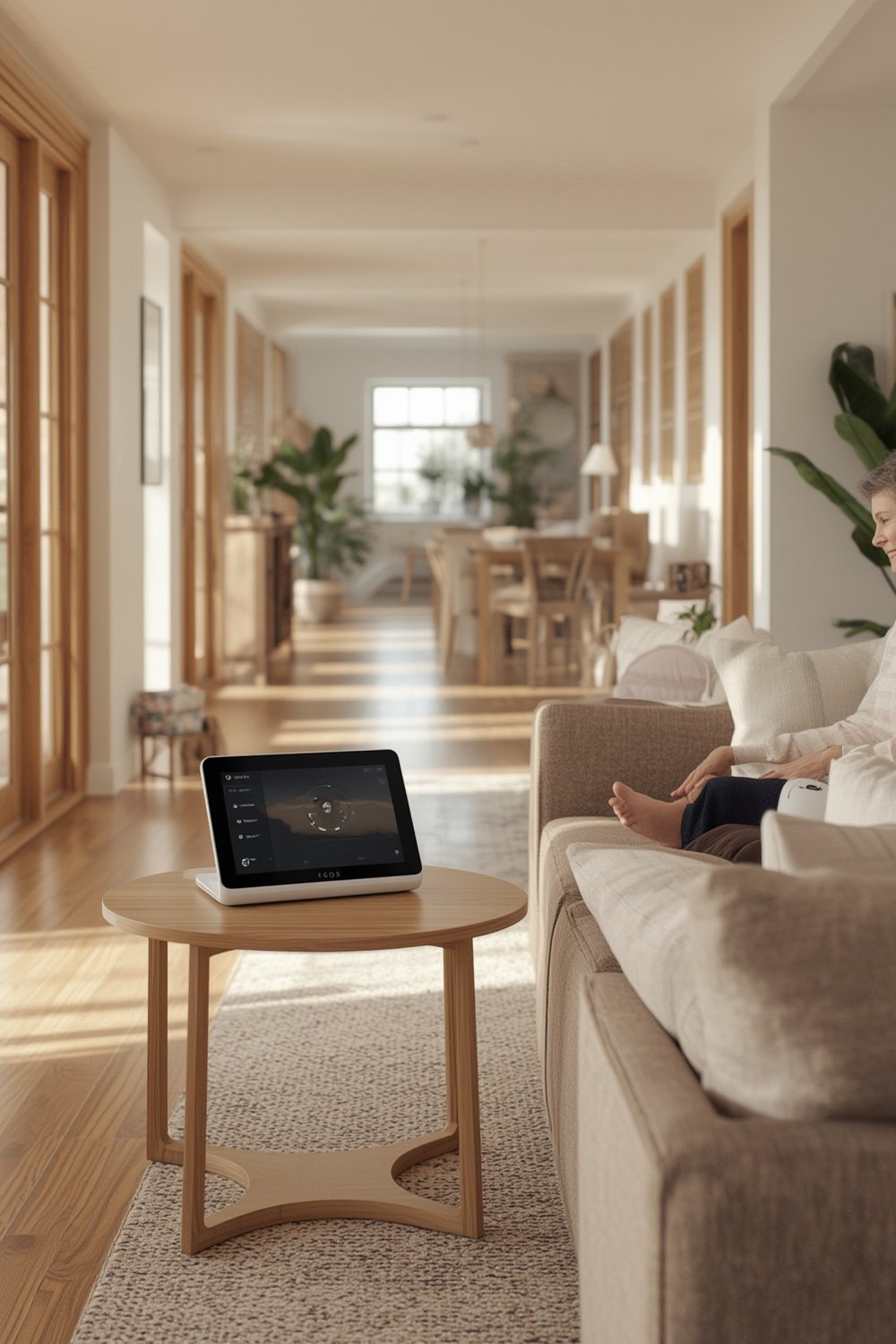
But smart home adoption is also driven by necessity. The number of Americans aged 65+ is rising fast, projected to reach nearly 21% of the population by 2030.[3]
Hands-free devices make it possible to:
- Monitor health vitals at home
- Receive medication reminders
- Call for help instantly after a fall or emergency
- Control lights, thermostats, and appliances verbally
- Stay socially connected even with mobility challenges
Want to know where these devices fit among other home health options? Read our guide to the top 5 home health devices for seniors in 2026 for an overview of the latest innovations.
Step-by-Step Guide: How to Choose and Set Up a Voice Controlled Home Health Device
Ready to help yourself or a loved one get started? Follow these practical steps to make sure your voice controlled home health device works perfectly from day one.
- Assess the User’s Needs and Tech Comfort
Discuss privacy expectations, budget, sensory impairments, and past experience with tech. Digital literacy varies—tailor your plan accordingly. - Check Technical Requirements
Confirm a stable WiFi connection. Most devices need a smartphone or tablet for initial setup and updates. Ensure that communal spaces are accessible for microphone and speaker placement (65% are used in shared areas).[4] - Compare Device Options for Seniors
– General smart speakers: Amazon Echo has robust health “skills” and broad smart home compatibility. Google and Apple offer similar basics but with unique privacy setups.
– Purpose-built for elderly care: ElliQ starts proactive health conversations and offers social support. Some devices provide direct connections to emergency response.
Explore our overview of ergonomic design in home health to see how comfort and accessibility compare across categories. - Purchase and Set Up
Unbox the device and connect it to WiFi. Download the companion app. Walk through on-screen instructions. Set up user accounts and security preferences. If needed, ask for help from a family member or technician. - Personalize Settings and Test Features
Add the most essential skills: medication alerts, health checks, fall detection, and direct emergency contact. Test commands and troubleshoot misheard phrases.
If wearable add-ons are included, ensure they are comfortable to wear and don’t trigger skin sensitivities. - Train the User and Provide Written Instructions
Simple, step-by-step written guides help seniors and caregivers reference commands and features later. Practice voice commands together for confidence. - Review Costs and Subscription Options
Ask about any recurring subscription for advanced medical alerts or health monitoring. Compare with monthly costs of other assistive solutions to make sure it’s affordable in the long-term.
Not sure how costs compare? Check out these assistive tools for daily living for price and value comparisons.
For additional inspiration on how smart tech boosts independence, see these real-life stories of seniors regaining freedom with home devices.
Advanced Analysis & Common Pitfalls When Using Voice Controlled Health Devices
Even though satisfaction rates are high, real-world usage isn’t without challenges. Here’s what seniors and caregivers report most often, plus a brand comparison on features and fit:
- Privacy worries: Many seniors are uncomfortable with microphones or cameras, fearing sensitive health data exposure.[5]
- Technical setup difficulties: WiFi outages, complicated pairing with smartphones, and complex setup processes cause frustration for both users and helpers.[6]
- Cost obstacles: Upfront device prices, unclear subscription fees, and uncertain maintenance needs make budgeting difficult. Few articles break down real, long-term costs.[7]
- Usability and accessibility: Low digital literacy, diminished hearing or vision, and smaller social circles can reduce benefit if training is not provided.
- Missed features: Many users don’t realize all the device can do—training and ongoing support are required for full value.
- No direct device benchmarks: There is little data comparing accuracy or reliability between Amazon Echo and other brands in 2026, only broad satisfaction reports.[8]
| Feature | Amazon Echo | ElliQ | Google Nest | Apple HomePod |
|---|---|---|---|---|
| Medication Alerts | Yes (via Health Skills) | Yes (proactive) | Yes (reminders) | Basic reminders |
| Health Info Access | Yes | Yes | Yes | Limited |
| Companionship / Social Tools | Yes (Alexa Together) | Yes (conversational AI) | Via Google Duo | Limited |
| Emergency Help | Yes (subscription) | Yes (built-in) | No native integration | No native integration |
| Subscription Cost | Required for advanced health (e.g., Alexa Together) | Included with device purchase | None for basic; third-party for health | None for basic |
| Setup Complexity | Medium (app required) | Simple (designed for seniors) | Medium | Medium |
Missing from most articles but critical: legacy medical device compatibility and integration with existing home health systems. If you’re already using other adaptive tools, review our guide to setting up accessible home environments for an easier transition.

Conclusion: Getting the Most from Your Voice Controlled Home Health Device
Adopting a voice controlled home health device can transform the daily lives of seniors—improving safety, connection, and confidence at home. Still, the road can be bumpy: privacy anxieties, technical set-up, and ongoing costs remain issues. Choosing devices tailored for older users, investing in hands-on training, and involving caregivers when possible are key to success.
To keep your independence without surprises, research both the features and real-world costs up front. If you’re considering a voice controlled home health device for yourself or a loved one, take action today—greater safety and peace of mind are just a few steps away.
Want to deepen your knowledge? See how ergonomic tools and smart monitors can work together in our AI posture wearable monitor guide or explore fall prevention with smart walker GPS technology.
Frequently Asked Questions
What is a voice controlled home health device?
It’s a smart device that responds to spoken commands for health-related tasks—such as checking medication reminders, contacting emergency services, or monitoring daily routines—helping seniors manage at home independently.
Are voice controlled health assistants safe for privacy?
Most process some personal health information and may listen for voice commands continuously. Privacy risk is a real concern, so review device privacy policies and consider options that let you control which data is shared or stored.
What technical setup is required?
At minimum, you’ll need WiFi and a smartphone for initial setup. Device placement in a common living area and occasional updates via the companion app ensure proper function. Digital literacy support is a major benefit during setup.
How much do these devices really cost?
Costs vary. Expect an upfront device cost ($50-$300), possible subscription fees for premium health features ($5-$20/month), and occasional replacement or maintenance. Compare with traditional medical alert systems when budgeting.
Which brand is best for seniors?
There’s no single best choice. Amazon Echo offers robust health features, ElliQ is designed specifically for elderly care, and Google/Apple devices are similar for basic tasks. Consider ease of use, emergency support, and privacy controls when comparing.
—