


### Blog Post:
Ergonomic vertical mouse RSI solutions are growing in popularity, but do they really help prevent repetitive strain injury or carpal tunnel syndrome for programmers and heavy computer users?
Key Takeaways
- No new clinical studies (2022-2024) prove that vertical mice reduce RSI or carpal tunnel symptoms, but they do promote better wrist posture.
- Adoption comes with a learning curve and higher price, with no guaranteed symptom relief for everyone.
- Best-in-class models in 2026 will focus on adjustability, smart posture feedback, and custom ergonomics—yet expecting “cure-all” effects is unrealistic.
- What Is an Ergonomic Vertical Mouse—and Why Are They Used for RSI?
- How to Use a Vertical Mouse for RSI: Actionable Steps
- Advanced Analysis: Evidence, Pitfalls, and Real User Barriers
- Conclusion
- FAQ
What Is an Ergonomic Vertical Mouse—and Why Are They Used for RSI?
An ergonomic vertical mouse is specifically designed to rotate your forearm so your wrist and hand are in a “handshake” position rather than flat on the desk. This is thought to reduce strain on muscles and nerves during extended computer use.

Repetitive strain injuries (RSI), including carpal tunnel syndrome, are common among programmers, writers, designers, and anyone who spends hours a day on a computer. Standard flat mice cause the wrist to twist unnaturally, contributing to discomfort or injury.
Switching to a vertical mouse aims to reduce forearm pronation and ulnar deviation. However, clinical research since 2015 shows that while vertical mice do adjust wrist posture, they do not decrease carpal tunnel pressure during active use, meaning some benefits may be neutralized by compensatory movements or unchanged pressure on nerves [source] [source].
Despite this, demand for these devices is rising as awareness of workplace ergonomics grows. For more insight into how ergonomic design is shaping home health trends, see why ergonomic design is the future of home health in 2026.
How to Use a Vertical Mouse for RSI: Actionable Steps
Using a vertical mouse for RSI prevention or symptom relief takes more than just buying the device. Here’s how to increase your comfort and maximize the potential benefit:
- Step 1: Research models with adjustable DPI, customizable angles, and programmable buttons. If you’re managing multiple conditions or devices, see our guide to assistive tools for daily living for helpful context.
- Step 2: Unbox and test grip comfort. Your palm should rest lightly along the mouse’s contour. Don’t grip tightly—let the mouse fit you, not the other way around.
- Step 3: Set your desk height and set mouse sensitivity low at first. High sensitivity can exaggerate awkward movements during your learning period, fastening fatigue.
- Step 4: Practice normal computer tasks (browsing, copying code, drag-and-drop) with frequent breaks. Switch back to your old mouse if you feel excess strain, then try again after a few hours.
- Step 5: Gradually edit your workflow: Use keyboard shortcuts, voice dictation, or programmable mouse buttons for repetitive functions to minimize clicks and wrist motions.
- Step 6: Monitor your hand and arm for tingling, numbness, or pain. If symptoms worsen, consult a medical professional—product adjustment alone cannot cure advanced RSI or carpal tunnel syndrome.
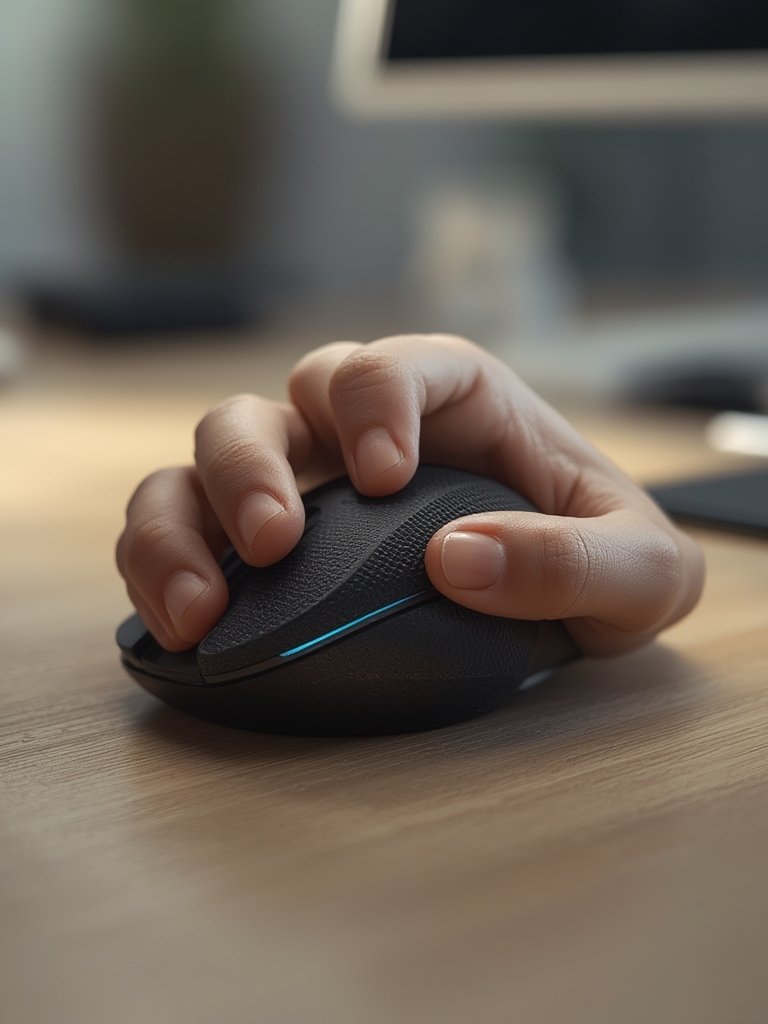
Vertical mice with customizable grips or live posture feedback are emerging, which may further improve fitting for individuals with unique ergonomic needs. If you want to automate posture monitoring, consider our review of AI posture wearable monitors for additional tech options.
For people with disabilities or clinical needs at home, a vertical mouse can be just one piece of a full workstation strategy—see the accessible home office for disabilities guide for setup ideas tailored to 2026’s workspace technology.
Advanced Analysis: Evidence, Pitfalls, and Real User Barriers
Let’s look at what the latest research and reviews actually say about ergonomic vertical mice for RSI—and what to watch out for if you’re considering one.
Clinical Evidence: No Magic Bullet for RSI
- Posture Benefits: Studies confirm vertical mice reduce wrist ulnar deviation and forearm pronation, lowering abnormal twisting [source].
- Symptom Relief: No recent trials or data (2022-2024) show vertical mice relieve carpal tunnel syndrome or RSI symptoms in a statistically meaningful way.
- Pressure: Carpal tunnel pressure does not decrease while using a vertical mouse; compensatory wrist extension can offset the postural benefit [study].
Main Barriers and Pitfalls
- Learning Curve: Adapting to a new wrist orientation takes days to weeks and can slow your workflow at first.
- Price: Most vertical mice cost more than flat mice. Higher price point is seen as a barrier, especially for programmers needing multiple devices [market analysis].
- Performance Tradeoffs: Early studies found vertical mice can reduce pointing accuracy, while custom-angled or high-profile concepts maintain performance and comfort.
- User Complaints: The most frequent reported issues are high price and the adaptation period, rather than build quality or a lack of symptom relief.
Table: Vertical Mouse vs. Flat Mouse — What Actually Changes?
| Feature | Vertical Mouse | Flat Mouse |
|---|---|---|
| Wrist Pronation | Reduced (“handshake” grip) | High (palm-down) |
| Carpal Tunnel Pressure | Unchanged or variable | Unchanged during use |
| Pointing Performance | May decrease at first | Consistently high |
| Learning Curve | Moderate to high | None |
| Price Range (USD) | $40-$130+ | $10-$50 |
| Warranty/Replacements | Varies, often 1-2yrs, info limited | Varies, often 1-2yrs |
| Adjustment Options | Increasing: grip, tilt, features | Limited (typically none) |
What’s Coming in 2026?
The next generation of ergonomic vertical mice will likely offer:
- Smart posture tracking with real-time feedback
- Ambidextrous, customizable angles and programmable buttons
- More grip and comfort options
- Better sensors, seamless wireless connectivity, durable eco-friendly materials
Curious about broader workplace wellness upgrades? Check out the 7 best ergonomic updates for home office comfort in 2026.

Conclusion
An ergonomic vertical mouse can help reduce awkward wrist positions but is not a guaranteed solution for ergonomic vertical mouse RSI relief. Evidence shows good posture is not enough if you have advanced symptoms—no mouse eliminates strain entirely. The best approach is to combine vertical mice with improved workflow habits, periodic breaks, and medical guidance if pain is ongoing.
Ready to upgrade your setup? Explore more on assistive tools that restore independence, or shop for vertical mice with realistic expectations. For a complete tech wellness strategy, see our guide to home health devices for seniors in 2026.
FAQ
Does clinical research prove that ergonomic vertical mice reduce RSI or carpal tunnel symptoms?
No, research from 2022-2024 does not show any statistically significant reduction in RSI or carpal tunnel symptoms from vertical mouse use. Most evidence only supports improved wrist posture, not decreased nerve pressure or pain relief. See this review and this clinical study for details.
Why do some users struggle to adapt to a vertical mouse?
The handshake grip is unfamiliar, and fine pointer control is harder until your muscles adjust. Many users need 2-3 weeks of daily practice—and some revert due to fatigue or frustration. Adaptation varies by individual.
Are there vertical mice designed specifically for severe RSI or programmers?
Some advanced vertical mice offer customizable angles, grip textures, and programmable buttons, but there are no published guides or mainstream models purpose-built only for severe RSI or programming. Innovative features are expected by 2026.
What should I pair with a vertical mouse for best ergonomic results?
Combine with keyboard shortcuts, a standing desk, posture-friendly seating, and periodic rest breaks. Posture-tracking wearables or under desk treadmill walking pads can further enhance your setup—see our review of the best under desk treadmill walking pads for examples.
Is it worth paying extra for a high-end vertical mouse?
If you need custom adjustment or work long hours, premium models may offer more grip sizes, programmable options, and longer warranty—but no model is proven to give universal pain relief. Match features to your needs and budget.
—